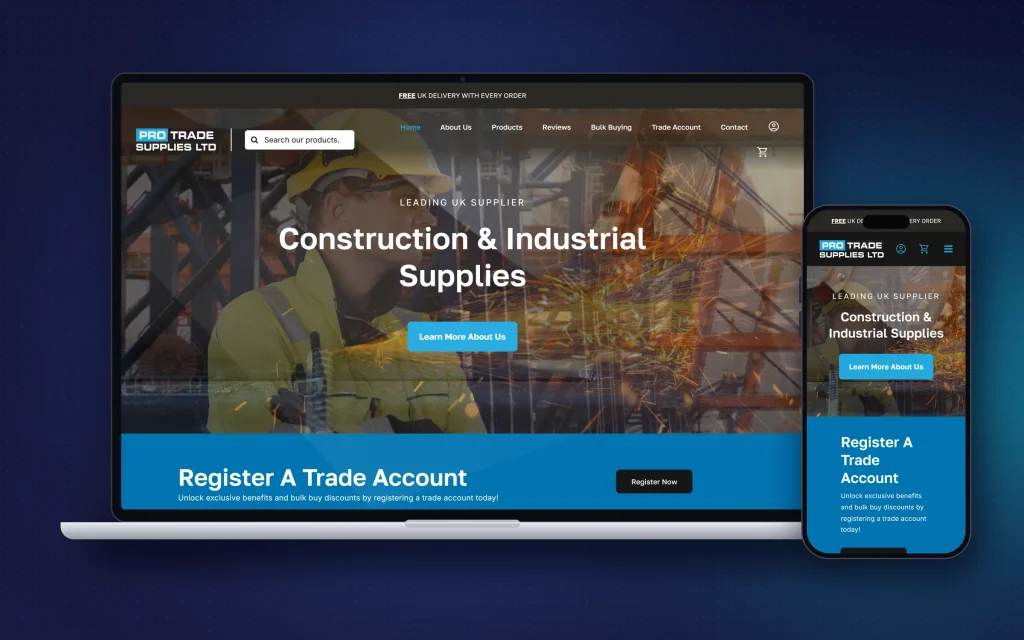
01
Make products easier to buy
Clear categories, filters, product information and checkout steps reduce the friction between interest and payment.
Ecommerce web design · Tamworth
Online shops with clear product pages, straightforward checkout and the tools you need to manage orders.
How it helps your business
A successful ecommerce build has to balance design, product structure, speed, trust, payments and administration. The customer needs to find the right product quickly; the business needs to manage orders without fighting the system. WooCommerce is a strong foundation because it can start simple and be extended when the business has more complex rules.
01
Clear categories, filters, product information and checkout steps reduce the friction between interest and payment.
02
Products, orders, coupons, customers and stock sit inside a familiar WordPress/WooCommerce admin.
03
Trade pricing, minimum quantities, product variations, custom fields and integrations can be built around the way you sell.
What I can handle
No hand-offs between an agency, a developer and a copywriter. Design, build, words and setup, all from Billy.
How I approach it
The categories, attributes and filters matter just as much as the visual design when a store has a large catalogue.
Clear delivery information, returns, contact details, payment security and genuine reviews reduce uncertainty when customers are ready to buy.
A huge proportion of ecommerce browsing happens on phones. Product discovery and checkout need to work without tiny controls or unnecessary steps.
WooCommerce can be extended when a business has pricing rules, trade accounts or integrations that are not covered by the standard settings.
In more detail
A product page that doesn't answer the obvious question. Delivery cost that only appears at checkout. And a checkout that insists on an account before it will take the money. Those three cost more sales than anything to do with the design, and all three are fixable.
It's worth sorting them before spending anything on clever features, because a shop that converts badly simply loses money faster when you send more people to it.
Someone who knows what they want should get there in about two taps. That depends on how the catalogue is organised — the categories, the attributes, the filters — far more than on how the page looks. It is the least visible part of an ecommerce build and usually the part that decides whether the shop works.
This matters more the bigger the catalogue gets. Twenty products can be a single list. Two thousand cannot, and retrofitting structure onto a shop that launched without it is a genuinely awkward job.
Say what delivery costs and roughly when it arrives, early and in plain language. Say what happens if they want to send it back. Uncertainty loses more sales than price does, and a shopper who can't find the delivery cost assumes the worst and leaves.
The same goes for the boring trust signals: a real address, a phone number, a contact page with a human on the end of it. For a smaller shop competing against names people already know, that is a lot of the job.
Nobody can pick it up, turn it over or ask a question. Several angles, something in shot to show scale, and a description that says what it actually is, including the bits that might put the wrong customer off. A return costs you more than a lost sale.
Manufacturer descriptions are worth avoiding where you can. The same block of text is usually on fifty other websites, and Google has no reason to prefer yours.
This is the half that doesn't show on the design. Order confirmations, stock going down, a packing list that makes sense, refunds, part-refunds, failed payments, and the customer who orders the last one twice in ten seconds. All of it needs to behave predictably before launch, not after the first busy week.
The admin side is worth as much thought as the shop front. You are going to be in it every day.
WooCommerce sits on WordPress, so you own it, you can change anything, and there is no cut taken on each sale beyond what your payment provider charges. It asks for more setting up, and keeping it updated is your responsibility.
A hosted platform is faster to get going and takes the maintenance off your hands, in exchange for a monthly fee and living inside someone else's rules. Neither is right for everybody. If your pricing, your variations or your trade accounts are unusual, the flexibility usually matters more than the convenience.
Cost
Tamworth businesses can sell well beyond Tamworth, which is one of the reasons ecommerce is attractive. The website still benefits from a strong local identity and support relationship while the store itself can reach customers across the UK.
Questions
It depends heavily on product count, variations, shipping, payment setup, imports and custom functionality. The Website Prices page gives a sensible starting point, then I quote the actual scope.
Yes. Product setup and imports can be included in the project where required. Large catalogues need clean supplier data and a sensible import plan.
Yes. WooCommerce supports Stripe and modern wallet payments through appropriate payment gateway integrations.
Yes. Existing product data, URLs and organic search performance need to be treated carefully during the migration.
Yes. Trade accounts, customer-group pricing and minimum order rules are all possible, and they are a common reason for choosing WooCommerce over a hosted platform.
Far more than most small shops will ever have. Large catalogues need the categories, attributes and filters planned properly up front, which is part of the build rather than an extra.
Usually, yes. Digital wallets, bank transfer and pay-later providers can all be added, depending on what your payment provider supports.
Free homepage mock-up
Tell me what you need and get a guide price in seconds. If you like the sound of it, I'll design a mock-up of your new homepage, free and with no obligation.