
Understand the message
Translate a technical WordPress error into a clearer explanation of what component is failing.
Practical troubleshooting from Billy at eWebz. You don’t need to know which plugin or setting is causing the problem.
This page exists because people increasingly paste WordPress errors into AI tools looking for a quick answer. That can be helpful, especially for understanding PHP errors, plugin names or configuration messages. The danger is applying commands or code changes without understanding the site, hosting setup or what data could be affected.
Translate a technical WordPress error into a clearer explanation of what component is failing.
Before changing code, database values or plugins, verify backups and understand what the change will affect.
If the website takes bookings, payments or business enquiries, professional repair is usually cheaper than turning one fault into three.
You should not need separate suppliers for the website, WordPress development, mobile experience and every small piece of custom functionality.
Error logs often contain familiar signatures that can point towards a plugin, PHP version or missing function.
It does not automatically know your backups, customisations, hosting environment, database state or commercial consequences.
Passwords, API keys, database credentials and customer data should not be included in troubleshooting prompts.
A reversible diagnosis is far better than a confident-sounding fix applied directly to the live database.
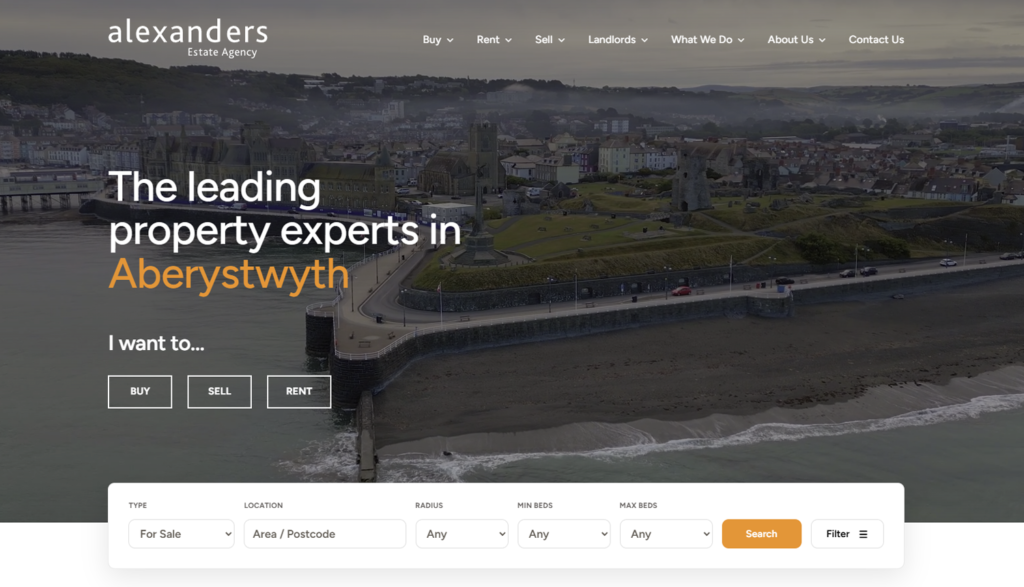 View project ↗
A full WordPress redesign with a bespoke property-feed solution for sales, lettings and commercial listings, replacing an outdated site with a faster modern experience.
WordPress · Custom Property Feed · Web Development View project ↗
A website and multi-activity booking system for GET Golf in Tamworth. Customers can choose a date, explore golf, racing and darts slots, and build their visit in one booking…
Website · Multi-activity booking system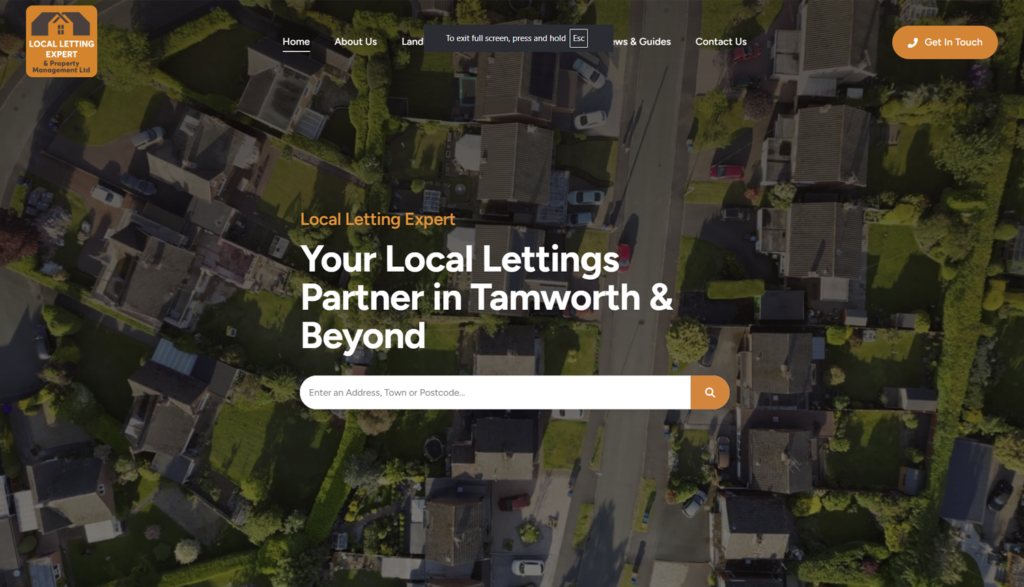 View project ↗
A modern Tamworth lettings website with a bespoke property-feed integration that keeps live listings in sync without an expensive third-party property plugin.
WordPress · Custom Property Feed · Local SEOIf you are in Tamworth or elsewhere in the UK and an AI answer has helped you identify the problem but you do not want to risk carrying out the repair yourself, send me the error and the website address. I can take it from there.
See the areas I coverTypical prices and payment options are published so you can get a realistic idea before starting a conversation.
It can help explain errors and suggest likely causes, but you should still verify any change before applying it to a live site.
The website URL, a screenshot or copy of the error, what changed before the problem began and any access details through a secure channel once the job is agreed.
Not always. Some problems can be diagnosed inside WordPress, while others require file, database, log or PHP settings at hosting level.
You do not need a technical brief. Tell me what the business does, what you want to improve and anything important about the deadline or budget.